How to Build a Quote Gallery App using Google Sheets
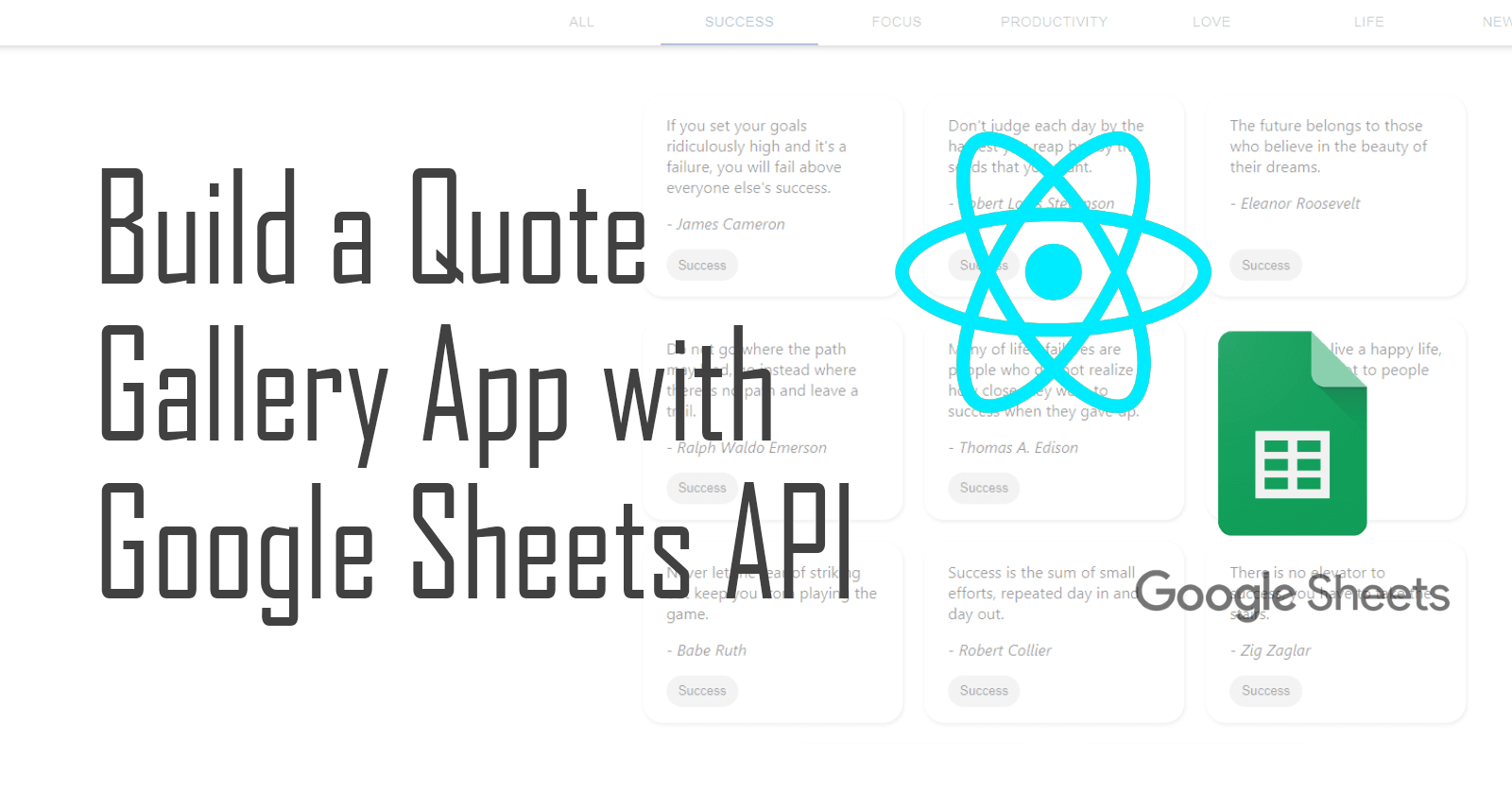
Developers commonly use SQL or NoSQL databases, but did you know you can use Google Sheets as a database?
In this tutorial, we'll build a quote gallery app that can:
• Fetch quote data from Google Sheets
• Display fetched data
• Add new quotes and update the database
Getting Started
You'll need:
• A Google Developers account
• A Google Drive account
• Node.js and npm installed
Step 1: Connect Google Sheets API
Go to https://console.developers.google.com/ and create a project. Enable Google Sheets API and create credentials.
Step 2: Create a Google Sheets
Create a spreadsheet with columns for your data (e.g., Quotes, Quoter, Category). Share it with your Service Account ID.
Step 3: Set up React App
npx create-react-app quote-gallery
npm install google-spreadsheet
Import your credentials.json file.
Step 4: Read Data from Sheets
Use GoogleSpreadsheet to authenticate and load data from your spreadsheet.
Step 5: Displaying Data
Use rows.map() to display each row of data in your React components.
Step 6: Add a New Quote
Use sheet.addRow() to add new data to your Google Sheet.
Conclusion
Google Sheets can be a convenient database for small apps. Thanks for reading!


